3D Printer Buying Guide
Printer Type
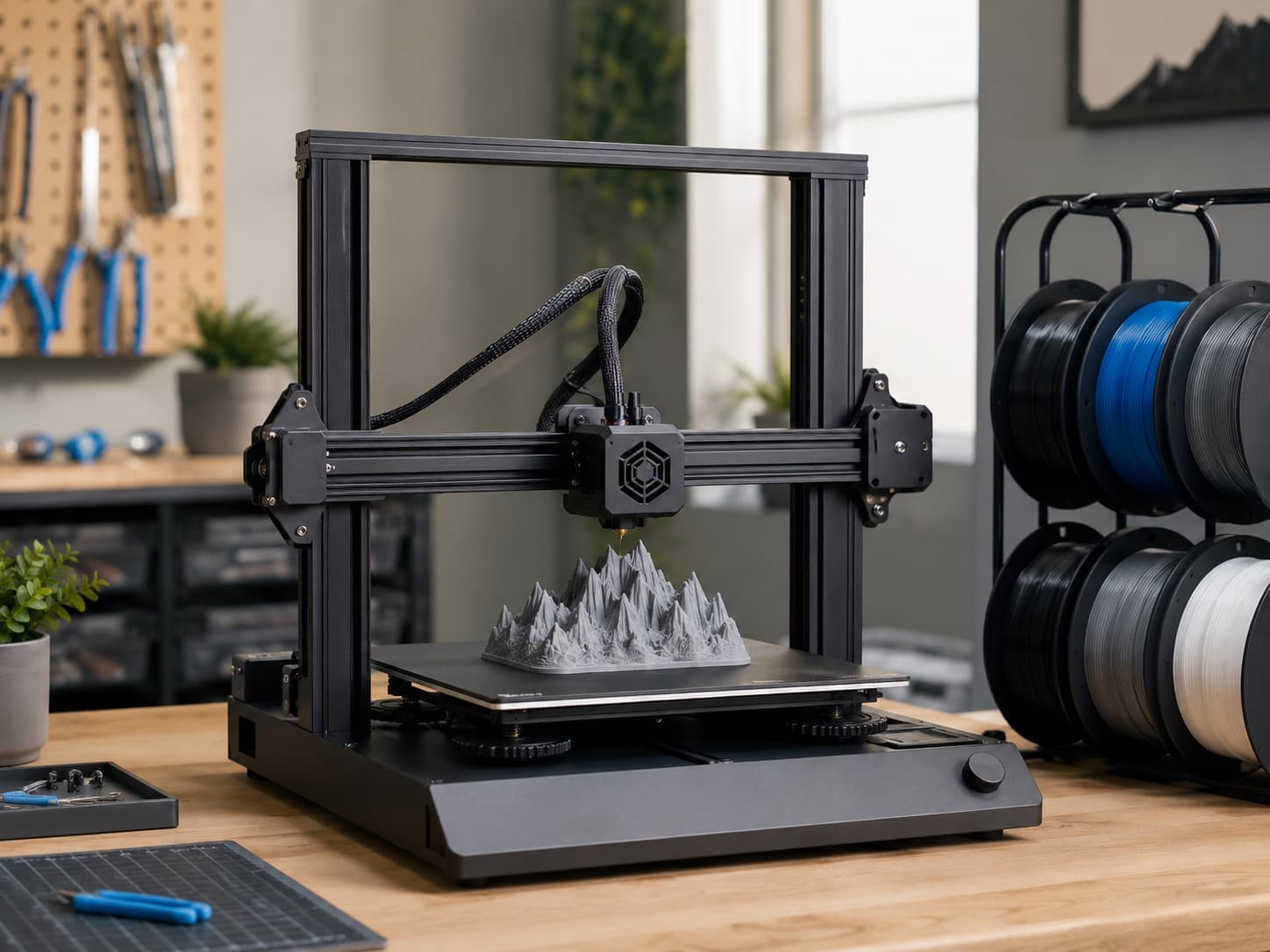
Before anything else, decide what kind of machine you're buying, because the three types work in completely different ways and suit different projects. This single choice shapes everything else on the spec sheet.
- FDM (Fused Deposition Modeling) melts plastic filament and lays it down layer by layer. It's the workhorse of the hobby: affordable, versatile, and great for functional parts, prototypes, toys, and large objects. This is what most people mean when they say "3D printer."
- Resin printers cure liquid resin with UV light to produce astonishingly fine detail. They're the go-to for miniatures, jewelry, dental models, and anything where crisp edges matter more than size. The tradeoff is messier handling, fumes, and smaller build areas.
- 3D Pen is a handheld device that extrudes filament for freehand drawing in the air. It's a craft and education tool rather than a precision machine, ideal for kids and casual creativity, not for producing designed models.
If you want an all-purpose starter machine, FDM is almost always the right call. Choose resin only when fine detail is your primary goal, and treat a 3D pen as a toy rather than a printer.
Best For
Manufacturers pitch printers at specific audiences, and matching the machine to your experience level saves a lot of frustration. Think honestly about who's using it and how much fiddling you're willing to do.
- Beginner printers prioritize ease over everything: auto-leveling, pre-tuned profiles, and minimal setup so your first print succeeds instead of teaching you a hard lesson in bed adhesion.
- Kids models emphasize safety and simplicity, often with enclosed hot ends, one-touch operation, and forgiving materials like PLA. Supervision still matters, but these are built to be approachable.
- Hobbyist machines strike a balance between convenience and tinkering, giving you room to upgrade, tune, and experiment without needing an engineering degree.
- Professional printers focus on reliability, repeatability, and material range, so a business can run them for hours and trust every part comes out the same.
Buy for the person you are today, not the expert you hope to become. A beginner-friendly machine that actually prints beats a "pro" one that sits broken on the shelf.
Brand
Brand isn't just a logo in this category; it determines your firmware quality, software ecosystem, spare-part availability, and how quickly you find help when something jams. A strong community can be worth more than a spec bump.
- Bambu Lab dominates the "it just works" crowd with fast, enclosed CoreXY machines and slick multi-color systems. Excellent out-of-box experience, though it leans toward a closed ecosystem.
- Creality is the volume king, famous for the budget-friendly Ender line. Enormous community support and cheap parts, with quality that varies more model to model.
- Prusa is the reliability and open-source benchmark, beloved for meticulous engineering and outstanding documentation, usually at a premium price.
- Anycubic and Elegoo are heavyweights in affordable resin printing, with Elegoo's Saturn and Mars lines being genre staples.
- QIDI and FlashForge cater to users who want enclosed, higher-temperature machines for engineering materials at a reasonable cost.
Pick a brand with an active user base and readily available parts. When your printer misbehaves at 11 p.m., a thriving forum is your real warranty.
Assembly
Printers arrive in very different states of "done," and this affects both your setup time and how much you learn about the machine. Neither option is wrong, but they attract different personalities.
- Pre-Assembled printers come ready to print in minutes, needing only minor unboxing and calibration. Perfect if you want results now and don't care to understand the guts of the machine.
- DIY Kit printers require you to build them from parts, which takes hours but teaches you exactly how everything works, making future repairs far less intimidating. They're often cheaper, too.
Choose pre-assembled if your goal is printing, and a DIY kit if the machine itself is part of the fun. The build process is a crash course in maintenance you'll appreciate later.
Frame
The frame is the skeleton that moves the print head and bed, and its geometry directly influences speed, accuracy, and footprint. You don't need to be a mechanic, but knowing the three layouts helps you read a listing.
- CoreXY moves the print head on two axes while the bed only drops down, enabling high speeds with excellent stability. It's the modern favorite for fast, precise printing but usually costs more.
- Cartesian is the classic layout where the bed moves back and forth on one axis. Simple, proven, and easy to maintain, though the moving bed can limit top speeds.
- Delta uses three vertical arms to position the head, excelling at tall cylindrical prints and quick motion, but it's less common and can be trickier to calibrate.
For most buyers, CoreXY offers the best speed-to-quality ratio, while Cartesian remains a dependable budget choice. Delta is a specialist tool worth it only if you have a specific reason.
Build Volume
Build volume is the maximum size of a single object you can print, and it's easy to overbuy here. Bigger machines cost more, take up more desk, and rarely get used to their full capacity.
- Mini (Under 150 mm) suits miniatures, small parts, and tight spaces, but you'll quickly feel boxed in for anything larger.
- Compact (150-199 mm) handles most beginner projects and small functional prints without hogging space.
- Standard (200-249 mm) is the sweet spot for the majority of users, comfortably fitting everyday models and prototypes.
- Large (250-299 mm) and Extra Large (300-349 mm) open the door to helmets, big cosplay pieces, and printing several parts at once.
- Jumbo (350 mm & Up) is for serious large-format work; expect a heftier price and a machine that commands real floor space.
Standard covers what most people actually print, and you can split large models into pieces. Buy the size you need for typical jobs, not the one rare project you might attempt.
Extruder
The extruder system pushes filament into the hot end, and its design affects which materials print well and how clean your results look. This is a quiet spec that matters more than beginners expect.
- Direct Drive mounts the motor right at the print head, giving precise control that shines with flexible filaments like TPU and reducing stringing. The tradeoff is a heavier head that can limit extreme speeds.
- Bowden places the motor on the frame and feeds filament through a tube, keeping the head light and fast. It's cost-effective and quick, but struggles with flexible materials and needs more retraction tuning.
If you plan to print flexibles or want the easiest tuning, favor direct drive. Bowden is perfectly fine for speedy PLA and PETG work on a budget.
Enclosure
An enclosure is a case around the print area, and it does more than look tidy: it controls temperature, contains fumes, and blocks drafts. Whether you need one depends heavily on your materials and environment.
- Enclosed printers trap heat to prevent warping and layer splitting, which is essential for materials like ABS and ASA. They also dampen noise and keep curious fingers and pets away from hot parts.
- Open Frame printers are cheaper, run cooler, and are easier to access and modify. They're ideal for PLA and PETG, which don't demand a controlled climate.
Go enclosed if you want to print engineering plastics or care about noise and safety, and open frame if PLA is your bread and butter. You can add aftermarket enclosures, but built-in ones perform better.
Supported Materials
The filaments a printer can handle define what your finished parts can do, from flexible phone cases to heat-resistant brackets. Higher-end materials demand higher temperatures and often an enclosure, so this ties directly to your hardware.
- PLA is the easy, forgiving standard: low temperature, no smell, great for decorative and everyday prints. It's where every beginner should start.
- PETG adds durability and moderate heat resistance while staying beginner-friendly, making it a favorite for functional parts.
- TPU is flexible and rubbery, perfect for phone cases, gaskets, and anything that needs to bend, though it prints best on direct-drive machines.
- ABS and ASA are tough, heat-resistant, and UV-stable (ASA especially), but they warp easily and really want an enclosed, heated environment.
- PC (Polycarbonate) and Nylon are strong engineering materials for demanding mechanical parts, requiring high temperatures and careful handling.
- PVA is a dissolvable support material used in multi-material printing for clean, complex geometries.
- Carbon Fiber filaments (usually reinforced nylon or PETG) offer excellent stiffness but are abrasive and need a hardened steel nozzle.
Match the material list to your ambitions, but know that most people live happily on PLA and PETG for years. Buy a machine that supports the harder materials only if you have a concrete plan to use them.
Max Nozzle Temp
The nozzle's top temperature quietly gatekeeps which filaments you can use, since tougher materials melt hotter. It's a spec worth checking against your material wish list before you buy.
- Under 250°C covers PLA and basic PETG, which is plenty for casual and decorative printing but locks you out of engineering plastics.
- 250-299°C opens up ABS, ASA, and most PETG, striking a practical balance for a versatile hobby machine.
- 300-349°C lets you tackle nylon, polycarbonate, and carbon-fiber blends that need serious heat.
- High Temp (350°C & Up) is for advanced engineering and high-performance materials, typically paired with all-metal hot ends and enclosures.
A ceiling around 260-300°C future-proofs most hobbyists without paying for industrial capability. Don't chase extreme temperatures unless your materials genuinely require them.
Max Print Speed
Print speed is the headline number in modern marketing, but the advertised maximum and the quality-preserving reality are two different things. Faster is nice, yet it interacts with your frame, cooling, and expectations.
- Standard (Under 100 mm/s) reflects older or budget machines; reliable but slow enough to test your patience on big prints.
- Fast (100-249 mm/s) is the comfortable modern baseline that balances quality and reasonable print times.
- Very Fast (250-399 mm/s) noticeably shortens waits and is common on today's CoreXY machines.
- High Speed (400-599 mm/s) and Ultra Fast (600 mm/s & Up) are impressive on paper, but real-world quality at those speeds depends on strong cooling, input shaping, and forgiving models.
Treat advertised top speeds as a ceiling, not a promise, since you'll usually print slower for clean results. A capable machine in the fast-to-very-fast range serves nearly everyone well.
Color
Multi-color capability lets a single print use several filaments, turning flat models into vivid, multi-material objects. It's a delightful feature, but it comes with tradeoffs in cost, time, and waste.
- Single Color is the default and perfectly capable; you can still swap filament manually between prints. Simplest and most economical.
- 4-Color is the popular entry point for multi-material systems, enough for logos, signs, and playful models without overwhelming complexity.
- 8-Color expands your palette for detailed artwork and gradients, at the cost of more setup and purge waste.
- 16-Color is for enthusiasts chasing elaborate, gallery-worthy prints, requiring multiple filament units and patience.
Multi-color printing is genuinely fun but slower and more wasteful, as the machine purges filament during every color change. Start single or four-color unless vivid multi-material work is your main reason for buying.
Features
Quality-of-life features separate a machine you fight with from one you enjoy, and modern printers pack in a lot of them. A few of these are near-essential today, while others are pleasant extras.
- Auto Leveling automatically calibrates the gap between nozzle and bed, eliminating the single most common beginner headache. Consider it a must-have.
- Filament Runout Sensor pauses the print when filament runs out, saving long jobs from failing at hour ten.
- Power Loss Recovery resumes printing after an outage, another safeguard for lengthy prints.
- AI Camera watches for print failures and spaghetti-like errors, and lets you monitor progress remotely.
- Heated Chamber maintains a warm interior for reliable printing of warp-prone engineering materials.
- Touchscreen makes on-machine control intuitive, while Quiet operation (via silent stepper drivers) keeps the printer livable in a home or office.
- Filament Dryer keeps moisture-sensitive materials like nylon and TPU in printable condition, either built-in or as an add-on.
Prioritize auto-leveling and a runout sensor as baseline conveniences, then weigh the rest against your projects and budget. These extras won't make a bad printer good, but they make a good printer a pleasure.
Connectivity
How you get files onto the printer shapes your daily workflow, and the options range from old-school cards to full app control. The right mix depends on where the printer lives and how you like to work.
- Wi-Fi lets you send prints wirelessly from your computer or phone, the most convenient option for a printer tucked away in another room.
- App Control pairs with Wi-Fi to start, monitor, and manage prints from your phone, often alongside a camera feed.
- LAN offers a stable wired network connection, valued by users who want reliability or keep their printer offline from the cloud.
- SD Card and USB are the dependable classics, transferring files without any network at all, which some users prefer for privacy and simplicity.
Wi-Fi with app control is the modern standard for convenience, but always confirm a card or USB fallback exists for when the network acts up. Match the connectivity to your setup rather than assuming every printer talks to your phone.